4 - ESP32 - Controller with touch screen
So I recently ordered an ESP32 microcontroller with the goal to do some fun hardware stuff with it.
What is an ESP32 and why did I get it?
It’s an “Arduino-like” microcontroller that usually comes with WiFi, Bluetooth etc. It allows you to do some lower level type projects using C++. Compared to a Raspberry Pi (which is a fully functioning computer running Linux), it’s more limited but faster and in a way - more reliable.
Why did I get it? TBH - I didn’t have anything particular in mind project-wise. I’d love to play with having it connected to the WiFi network or do some Bluetooth stuff. I was thinking something along the lines of - hook it up to the WiFi and have it monitor how the stocks in my stock portfolio are performing.
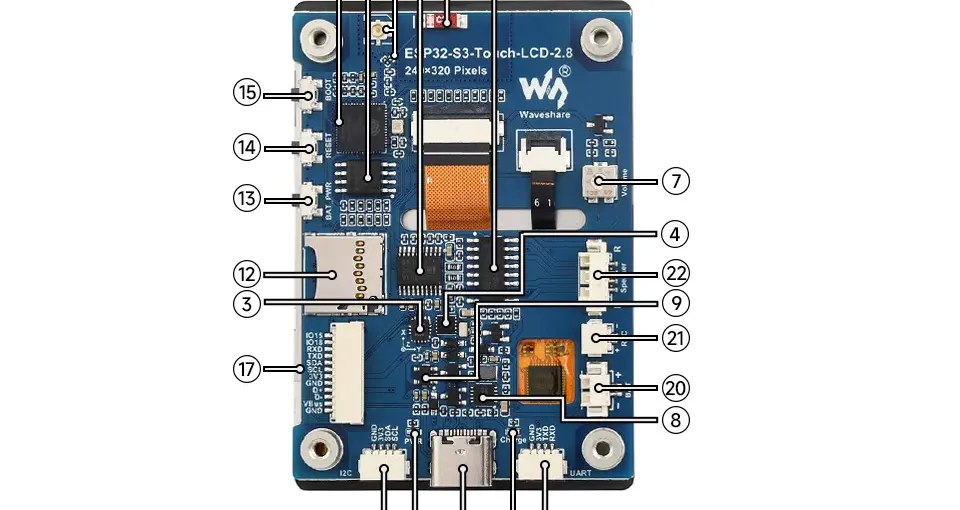
The one that I bought comes with a 2.8-inch touch screen out of the box + speakers so there should be a ton of things to play with. It cost ~30 EUR and you can find the specs here.
What did I do so far?
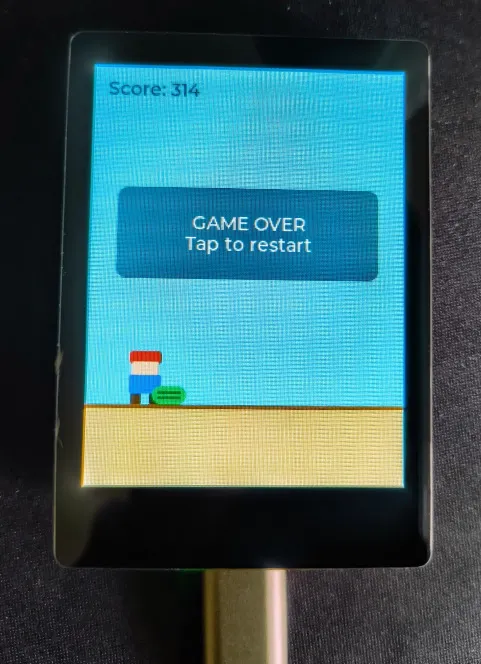
I managed to set it up. That took longer than it should have so that’s why I think it’s worth its own entry. After setting it up I managed to vibecode and upload a small “Offline Dinosaur”-like game featuring a Mario-like character just to make sure that I got the hang of it.
Expect more entries on that soon.
What I learned: The very basics of setting up and running an ESP32/Arduino like project.
How to replicate: Download the ArduinoIDE and follow the instructions. Note that instructions can very per ESP32 vendor but I’m pretty sure the ones I’m linking to apply for any ESP32 microcontroller.